Internal Parallax
Internal Parallax creates an illusion of layers going inside the Mesh. Similar to an "infinite mirror" effect, it can be used to create stylized parallax effects.
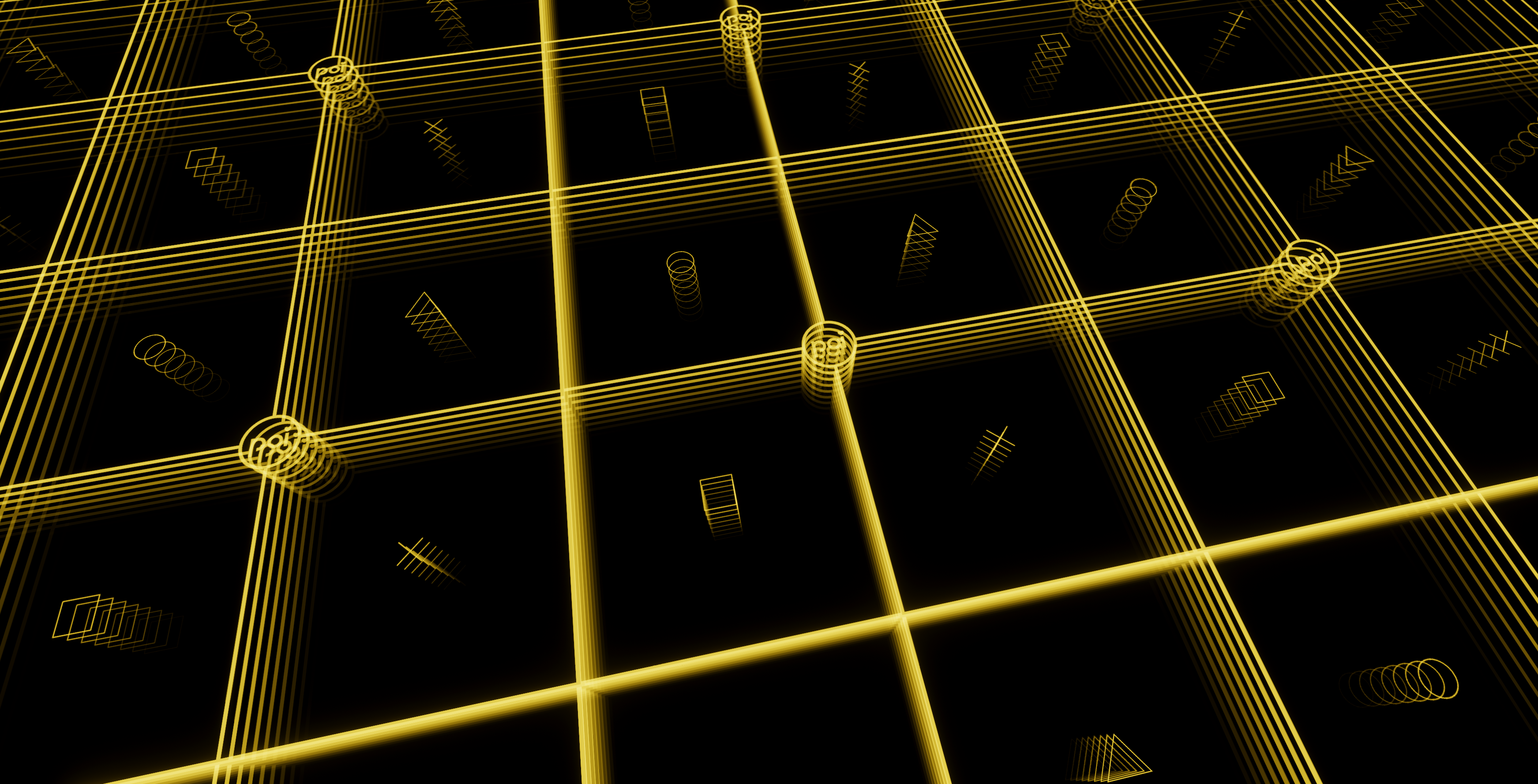
Example of the parallax iterations possible using an Internal Map set to be tiled.
Parallax Mode
Type: Dropdown, Options:Basic/HeightMap
Determines the Parallax Mode to use for the Internal Parallax.
Basic
Basic Parallax as determined by the Map.
HeightMap
Uses the Height Map technique to create the Internal Parallax.
Internal Map
Type: Color Texture (sRGB = On)
Color Map to use for the Internal Map. RGB for Color, and A channel for the Height.
For best results, use only two colors for your Internal Mapping. Those two colors should be used by the Min Depth Color and Max Depth Color.
Mask
Type: Data Texture (sRGB = Off)
Clamps the Internal Parallax to only affect a specified area as determined by the Mask.
Layer Controls
Parallax Internal Iterations
Type: Float, Range:1.0 - 50.0
How many iterations should there be for the Parallax. Higher numbers yield more iterations.
Min Depth
Type: Float
The Minimum Depth for the Parallax, or the beginning of the iteration. Normally this is set to 0.
Max Depth
Type: Float
The Maximum Depth for the Parallax, or the ending of the iteration. In a literal sense, this determines the distance of the "infinite mirror" effect.
Layer Colors
Min Depth Brightness
Type: Float, Range:0.0 - 5.0
Minimum Brightness intensity of the Minimum Depth Color.
Max Depth Brightness
Type: Float, Range:0.0 - 5.0
Maximum Brightness intensity of the Maximum Depth Color.
Min Depth Color
Type: Color
Color to use for the Minimum Depth. This should be set to the starting color of the parallax from the Internal Map.
Max Depth Color
Type: Color
Color to use for the Maximum Depth. This should be set to the ending color of the parallax from the Internal Map.
Internal Blend Mode
Type: Dropdown, Options:Add/Max
Configures the primary blending operator to use for the Internal Parallax with the Base Color.
Surface Blend Mode
Type: Dropdown, Options:Replace/Darken/Multiply/Lighten/Screen/Subtract/Add/Overlay/Mixed
How much to blend the Surface of the Internal Parallax to the Base Color.
Hue Shift
Type: Toggle
Enables the Hue Shift feature of the Internal Parallax.
Color Space
Type: Dropdown, Options:OKLab/HSV
Choice of Color Space to use for the Hue Shift. By default, it will be set to OKLab.
Learn about the difference of Color Spaces as documented here in Color Adjust.
Select or Shift
Type: Dropdown, Options:Hue Select/Hue Shift- Default:
Hue Shift
- Default:
This dropdown allows you to select how the Color Adjustment should behave when the Hue Shift is used. By default, this will be set to Hue Shift.
Select or Shift Options
Hue Select: Directly applies the selected Hue as an override to the entire Parallax.Hue Shift: Only tints the Parallax based on the lerped value. This is the default behavior.
Hue Shift
Type: Float, Range:0.0 - 1.0
How much to shift the base color around the hue circle.
This value is circular, and will have the same result at 0 and 1.
Hue Shift Speed
Type: Float
How much to constantly shift the hue with time. A value of 1 will result in a full hue shift cycle every 20 seconds.
Hue Shift Per Level
Type: Float
How much to constantly shift the hue with each level of the Parallax.