4 posts tagged with "updates"

View All Tags

Upcoming Changes to the Documentation for 10.0

· 6 min read
BluWizard
Lead Docs Author, Community Helper, Shader Contributor

Hi, BluWizard here! As the maintainer of the Poiyomi Shaders Documentation, I would like to share some changes being made to the Documentation in preparation for 10.0.

As some of your Patreon subscribers already know, Poiyomi Pro 10.0 is now available and is ready for open testing. Before 10.0 can be released to the public as Poiyomi Toon (Free), some changes must be made to this website so that the transition is seamless and that information stays relevant and up-to-date.

This also includes a full transition from being able to download Poiyomi Pro into our brand new system used on pro.poiyomi.com , which is far more reliable than Discord for various technical reasons. That being said, all future downloads of Poiyomi Pro will be handled from that sub-domain moving forward.

Now, let's get into the most important changes...

Docs Versioning

As of recent updates, we have implemented the usage of the Docusaurus Versioning CLI to create versions of each page in the documentation that shows context based on the version selected. It appears as a version dropdown on the Header, which looks like this:

Dropdown Menu to switch between versions.

Figure 1: Version Dropdown

When you hover your mouse over it, you will see some version numbers. By default, the latest version will be what has been set as the default in our configuration. If you select an older version (such as 9.3), the context of the documentation page you are viewing will significantly change.

This means that if you happen to be using an older version, you can now use this dropdown to view accurate information on what you're looking for. Because of how 10.0 has a gigantic amount of changes across the shader overall, this will be how we will control our context for future versions. By default, the "latest" will be shown (which is 10.0). If you happen to be viewing context with an older version selected, a yellow-colored banner will appear as a gentle reminder.

If a new version becomes available, we will run a CLI command that basically "archives" a copy of all pages into a special "versioned_docs" directory. So if and when 10.1 releases in the distant future, we will run a command that makes all current (10.0) documentation be archived as a previous version, thus making any new edits be seen as 10.1 (latest version) and the Version Dropdown gets updated.

As a result, this allows our visitors to always find relevant information for the version of the shader they are using. Now while it could make it difficult for contributors to help improve our documentation, we barely get any changes to older versions. So there is less of a reason to edit or update older pages for older shader versions unless deemed absolutely necessary.

You can view more technical details of how this system works here .

Download & Install Instructions

As some people may have already noticed, our Download & Install instructions have been overhauled as requested by Poiyomi.

To start, Poiyomi Toon (the public Free version) now recommends ALCOM / Creator Companion as our recommended installation method. This is because we find this method to be far more manageable and easier for the majority of our users, as the package is coded to automatically remove conflicting Poiyomi Shaders versions (if any are detected) before it is installed in the project. It also now contains scripts that hardens the process to ensure edgy avatar creators who like to include a copy of Poiyomi Shaders with their Avatar packages to never have their conflicting copy imported in the first place (essentially removing the _PoiyomiShaders folder from the import dialogue). A Debug message will throw in the console when this happens, so you'll know. If you are reading this and are one of those avatar creators still doing this practice, please stop doing that!

Secondly, for our Poiyomi Pro users, all Poiyomi Pro Unity Packages starting with 10.0 will now be posted on pro.poiyomi.com from now on. We will be deprecating posting our Unity Packages from our Discord server moving forward, as Discord's inability to maintain the platform's security and Patreon's inability to make the Discord Bot reliable makes using Discord for Patreon Authentication a very difficult process for everyone. Thus, authenticating from our new pro.poiyomi.com website has proven to me much more reliable and has faster authentication timing from Patreon in comparison, so we highly recommend you bookmark that website.

Please take a read through our updated Download & Install instructions to see all the options now available to you.

Docusaurus Upgrades

We are transitioning our framework to prepare for breaking changes that will be introduced in Docusaurus v4.0, which is due out sometime this year. This major upgrade will introduce optimized build infrastructure, including Rspack, SWC, LightningCSS, optimized storage, and stricter guidelines on writing.

MDX guidelines will become more stricter with the syntax without having to rely on proprietary Docusaurus syntax on top of MDX. Since the ecosystem is widely moving to MDX v3, we have transitioned all pages to the .mdx file extension so that this website is future-proofed against it. The upside of this is that this will allow our documentation to be more portable with external tools like Prettier, ESLint, TypeScript, VSCode, and GitHub to better understand the format. This greatly improves compatibility with the Unified ecosystem and the MDX Playground.

Alongside all these changes, Admonitions, Comments, and Heading IDs are getting an upgrade which will be noted in the CONTRIBUTING document for our contributors to read over.

With that being said, if you are reading this and are maintaining your own Docusaurus website (I know VRChat uses it for their Creators Docs), I highly recommend you read the full blog post here on Docusaurus v3.10 release, which details how to prepare your website for Docusaurus v4.0.

Conclusion

There is a lot more work to be done as Poiyomi 10.0 is continuously being worked on each day to ensure it is fully stable when the big day comes (the full release of the 10.0 Free version, that is). I am continuously editing, updating, and proofreading everything that I learn from each new update. If you find some information that is either inaccurate, conflicting, or find tomfoolery of any kind, please don't hesitate to reach out by opening an Issue on our Docs Repository as this helps me stay organized on what needs to be done.

How to use the VCC version of Poiyomi Pro

· 3 min read
Poiyomi
Shader Developer

The Poiyomi Pro version can now be installed via com.poiyomi.pro VCC package, now available in the main VCC Repository.

This post goes over instructions as well as answering some frequently asked questions. The Download & Install instructions will also be updated with this new information as well.

Setup

The setup of the Poiyomi Pro VCC package is fairly straightforward. It contains a script used to authenticate with your Patreon account in order to install the Poiyomi Pro package into your project. For the most part, you don't have to do much really.

To add Poiyomi Pro to your project using the VCC, ensure you already have added Poiyomi's VPM Repo to your VCC Client. If you haven't done this yet, go here and follow the instructions as we've updated the Download & Install instructions to accommodate this addition.

  1. Under Manage Project, look for the Poiyomi Pro package in the list and click the icon for it. The identifier is com.poiyomi.pro.
    • WARNING: This will also remove any existing installation of Poiyomi Shaders if detected!
  2. Launch your Unity Project.
  3. The script will automatically run and open a webpage in your default Web Browser. It will prompt you to authorize with your Patreon Account.
  4. Upon success, the webpage will say something like "Authentication Successful, you may now close this tab."
  5. Go back to your Unity Project and the script will automatically begin initiating a download of Poiyomi Pro into your project. It's that easy!

These instructions will be similar for other VCC clients such as ALCOM (which we recommend using!).

When importing com.poiyomi.pro to your project, it may automatically remove existing installs of Poiyomi Shaders so that there's no conflicts. There may be some bugs, so in that case you will need to manually remove Poiyomi Shaders folder from your project, followed by going into the Menu Bar and clicking Poi -> Pro -> Download Update to open the UI. Click the button that says Download Poiyomi Pro and it will request you to authenticate with Patreon. If successful, it will begin the process!

Frequently Asked Questions

I have received errors in my project when attempting to use the new package. What do I do?

Please hop into our Discord Server and let us know! Software is not perfect, so there's always a possibility something may have gone unnoticed.

Does the script save my login info for future updates?

No. The script is intentionally designed to ensure you're an active Patreon subscriber in order to obtain updates.

The script doesn't automatically run when I install the package.

You can manually run the script by clicking Poi -> Pro -> Download Update in the Unity Menu Bar. Click the button that says Download Poiyomi Pro and it will begin the process as detailed in Step 3. of the setup instructions above.

New Website Available for Patreon Subscribers

· 2 min read
Poiyomi
Shader Developer

Patreon Subscribers, we have something special for you!

As of today, you can now download Poiyomi Pro from our new dedicated website. This will be the new place where you can obtain the latest versions of Poiyomi Pro without needing Discord.

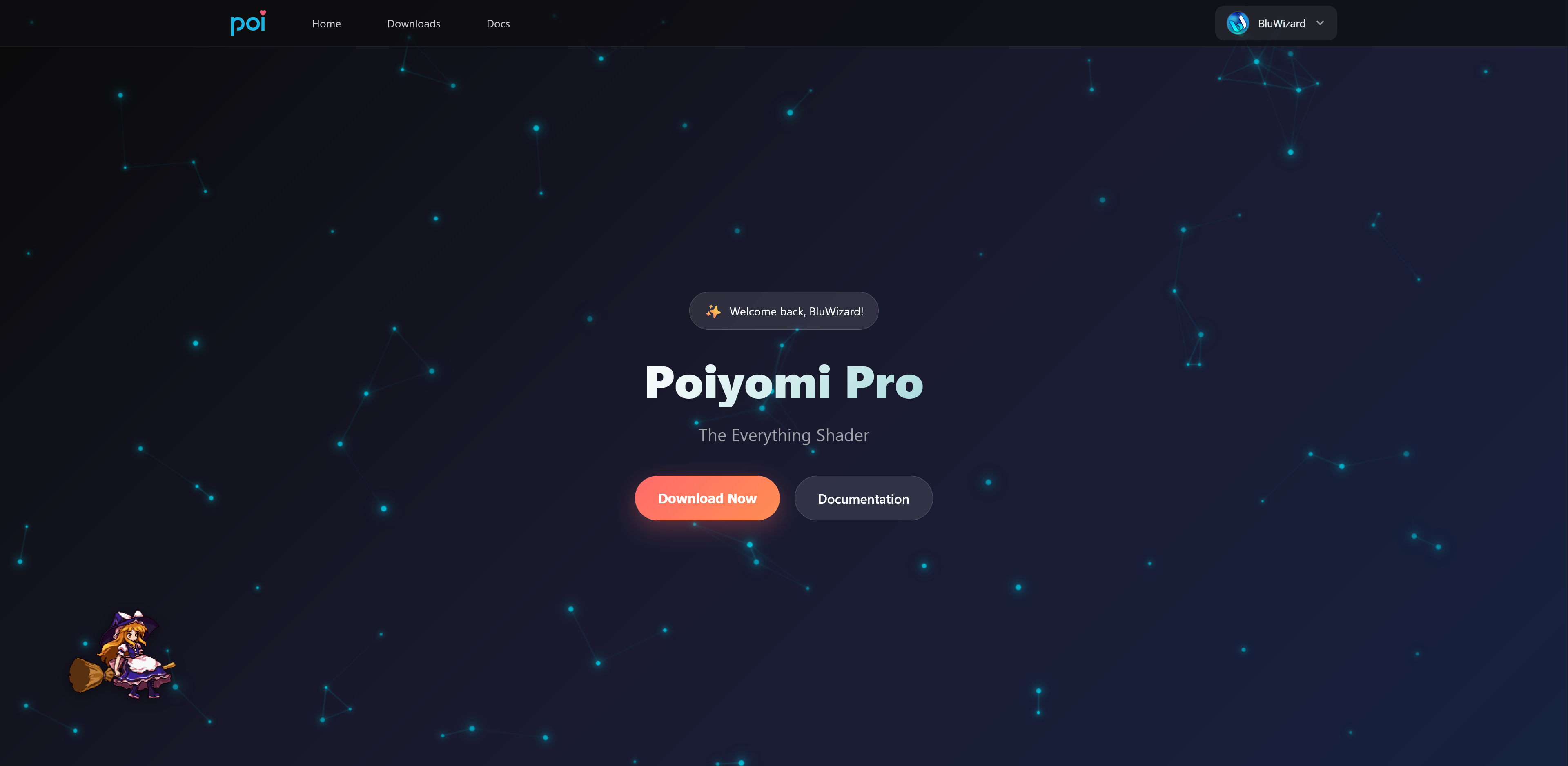
Poiyomi Pro Website Preview Example preview of the Poiyomi Pro website when logged in. You'll also notice it's accompanied by an animated Marisa Kirisame , a character from the Touhou Project.
How To Use The New Website

To use the new website, visit pro.patreon.com and follow these simple instructions...

  1. Click the "Login" button on the header.
  2. Click "Continue with Patreon" when prompted and a pop-up window will appear.
    • If you don't see it, check with your Browser to see if a pop-up window was blocked.
  3. Login to your Patreon Account.
  4. Once Logged In, you will see a page asking to authorize access. Click "Allow".
  5. The pop-up window will close and you will be redirected back to the website.
  6. If you are subscribed to the $10+ Tier or above, you can now access the "Downloads" page! Go there to download the latest version of Poiyomi Pro.
  7. and that's it! Install Poiyomi Pro as per usual into your Unity Project.

There's also a little Easter Egg on the website (more like, a mini-game) that's playable in plain sight. Can you find it?

About Discord

From this point forward, you will still need to link your Patreon with your Discord Account in order to receive tech support on the Pro Shader. As always, linking your Patreon to your Discord will unlock a fancy role, some perks, and access to the #paid-shader channel where you can also download the same package from.

VCC Support Coming Soon!

This new website is the first steps in creating a VCC-compatible version of the Pro shader! Support for this is currently under development and should hopefully be available soon for all Patreons to use in the near future.

We hope you enjoy using the new website! As always, thank you for being a Patreon subscriber!

Introducing Poiyomi 9.2

· 3 min read
BluWizard
Lead Docs Author, Community Helper, Shader Contributor

Heya, BluWizard here! Just wanna hop in to give you some info on Poiyomi 9.2, a major update to the shader that has just released!

While most of the features haven't changed, this update has introduced native support for VRC Light Volumes, an excellent voxel-based Light Probes replacement for VRChat Worlds. Alongside that, are various amount of bug fixes and improvements! See the Changelog Blog for all the details.

VRC Light Volumes

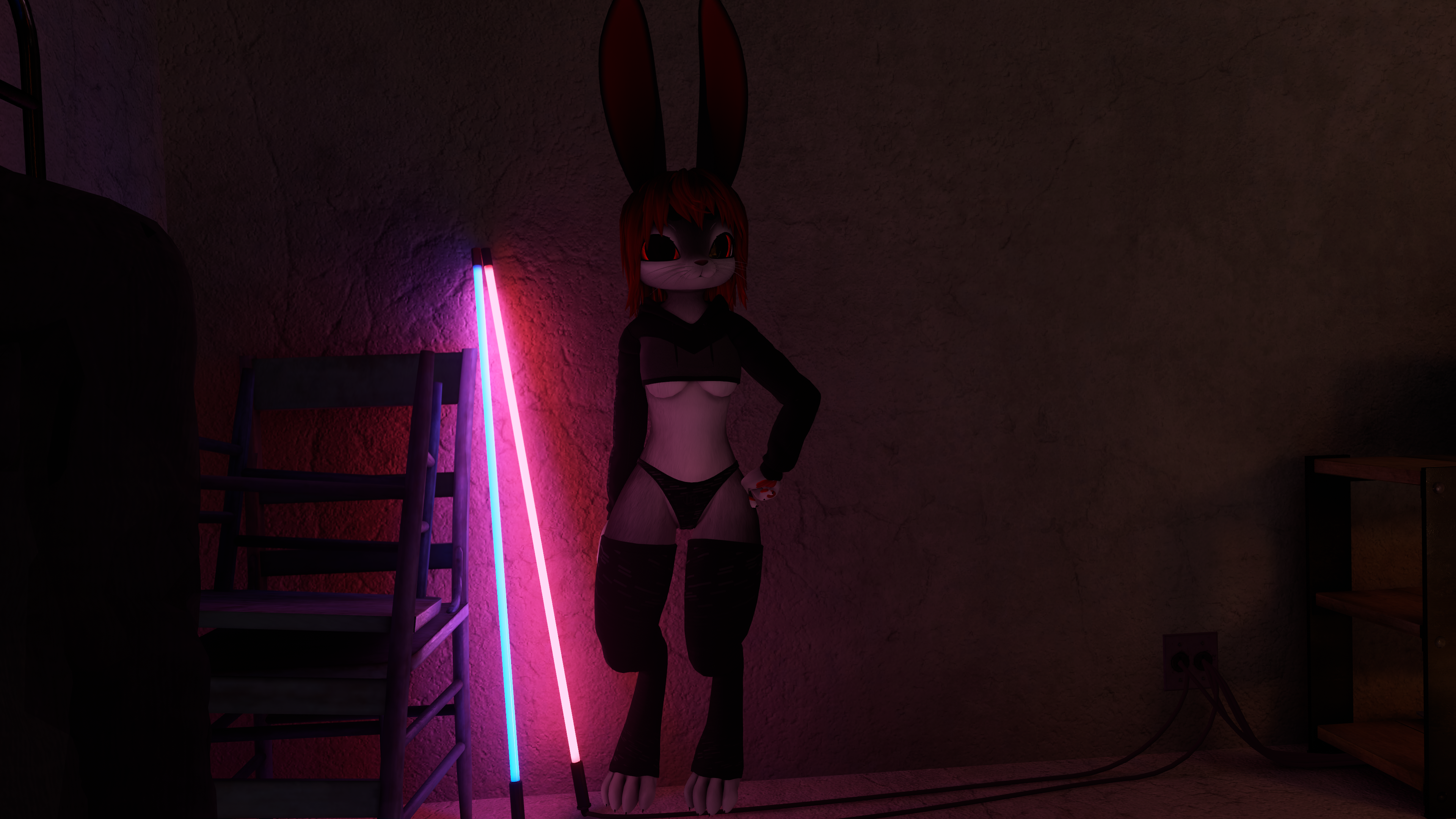
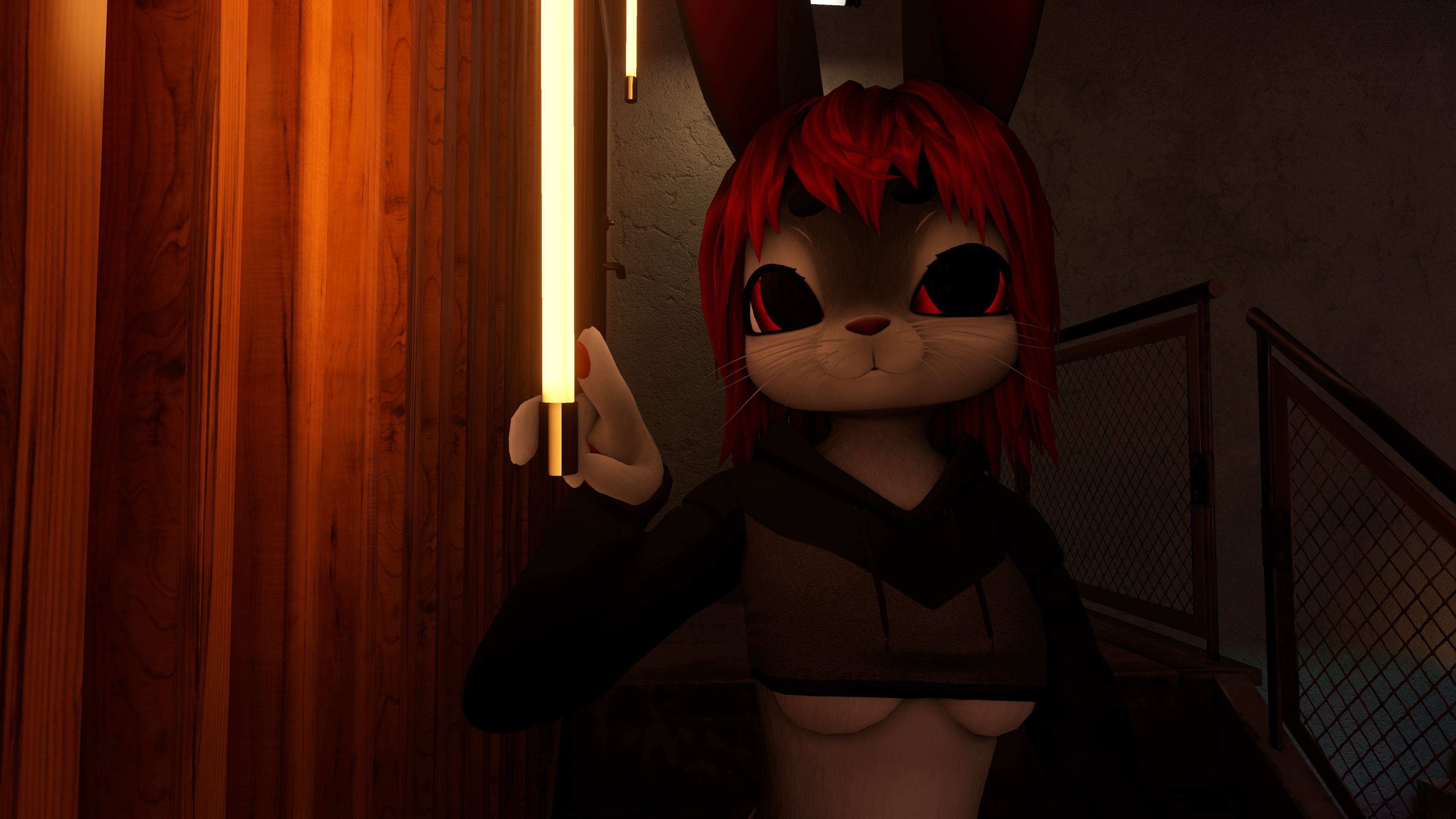
What's so special about VRC Light Volumes is that it allows for more natural lighting to show on your Avatar, making for stellar appearances in photos. Here are just two examples of what this can look like on Sacred's Avatar...

Light Volume Example 1

Light Volume Example 2

Notice that in these images above, the light tubes are able to emit very evenly across the Body. Compared to before, it was only able to be an approximate.

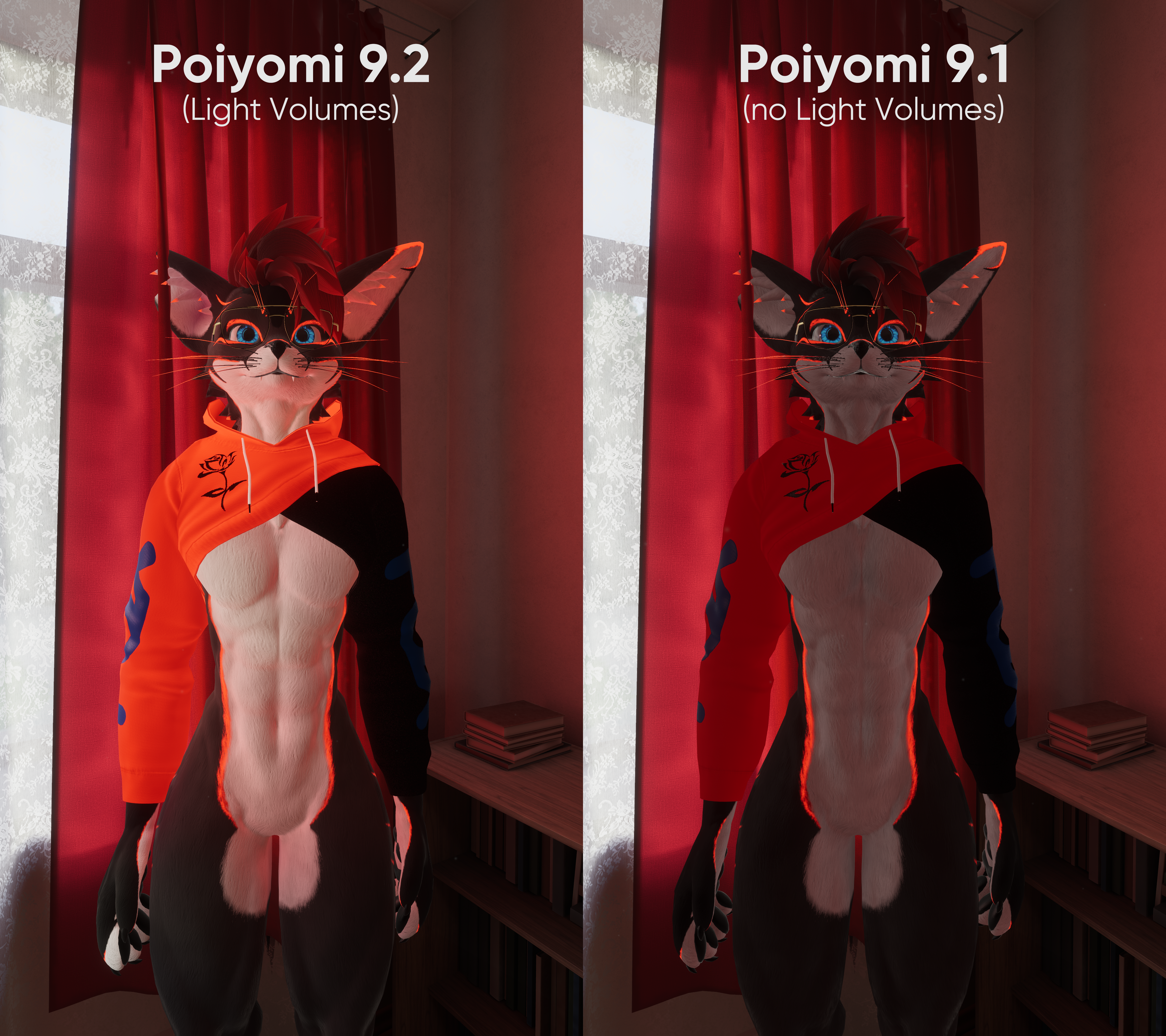
Here's a comparison on DrBlackRat's Avatar. Pay attention to the differences between Poiyomi 9.2 (latest) vs. Poiyomi 9.1 (older version)...

Light Volumes vs. None Comparison

As you can see, the results can be very obvious! The Material appears more evenly illuminated from the environment compared to previously.

Since VRC Light Volumes was created since earlier this year, you should begin to notice more and more Worlds adopt this system. Adding support for VRC Light Probes can make the shader future-proof to newer Worlds that plan to take advantage of this new lighting system.

The best part of all this? You don't have to do anything to your Materials! It's automatically enabled by default. All you need to do is make sure to update to the latest version of Poiyomi Shaders and just simply set your Materials to use the latest version.

Vertex Options Reorganized

Let's quickly talk about another significant change introduced in 9.2. Those who have used Vertex Options, Vertex Glitching, and Vertex Colors should read this!

In the latest version, you may have noticed that those sections have gone missing from the Color & Normals category. This is intentional! We have reorganized them into a brand new category in the shader UI, under Vertex Options. It is located in-between AudioLink and Global Modifiers & Data section.

New Location of Vertex Options

Underneath this area, we have renamed those sections into simply, Basics & Fun, Glitching, and Vertex Colors respectfully. If you have used these features under the old names before, don't worry! All your existing configurations should transition over seamlessly when updating your Materials.

Why did we do this? Well, this is to make way for another upcoming vertex-based feature called LookAt, which is right now being tested in the Pro version of the shader. We'll talk about that sometime in the future.

Conclusion

We hope you enjoy these new improvements to Poiyomi Shaders! As always, feel free to shoot us a message in our Discord Server for any questions or comments. Also if you have any pictures of your Avatars using the newest version, we invite you to share them there in our #showcase and #in-game-pics channels!

Click here to see the Patch Notes